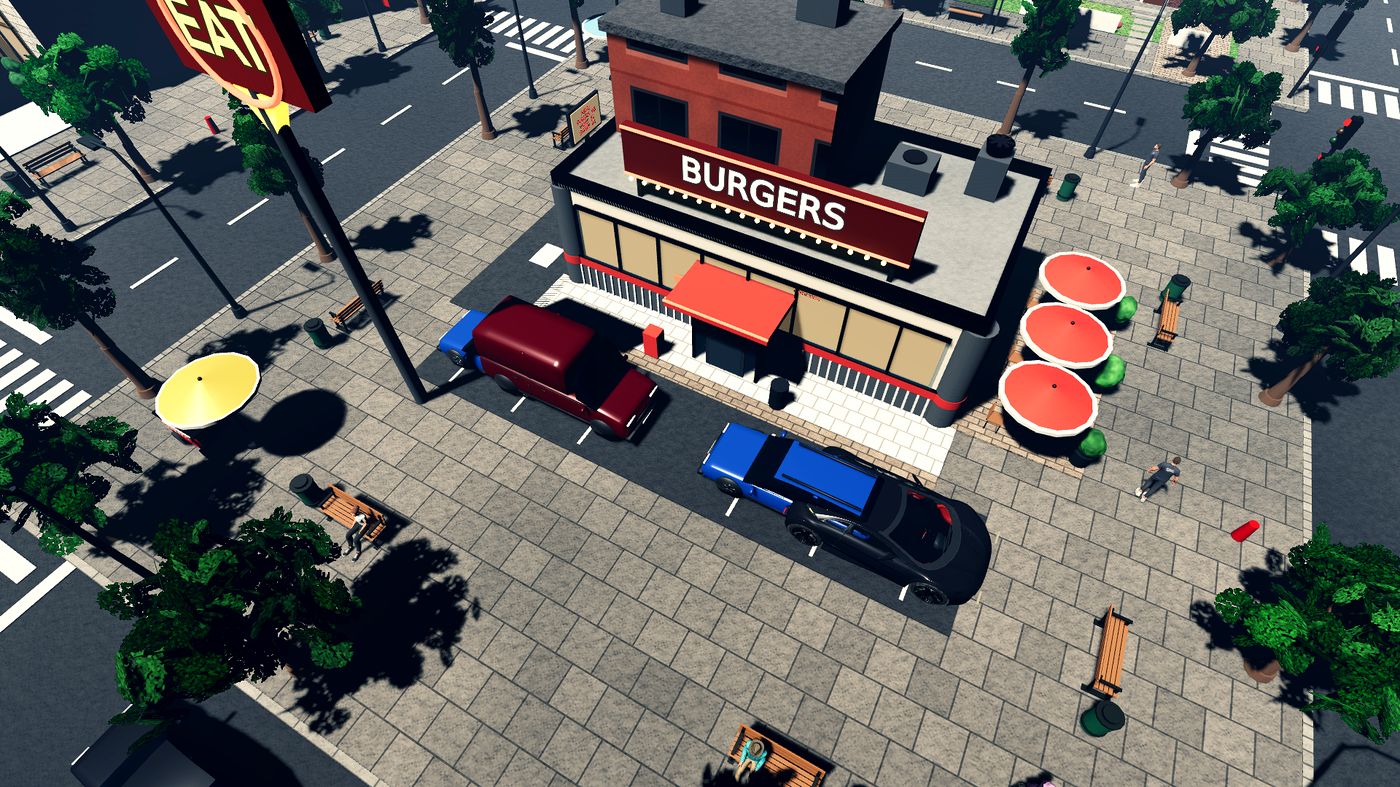
Buy it, hire for it, grow it
Coffee shop, diner, car wash, auto repair, supermarket, hotel. Pick a plot, build, hire staff, and level each place up. Your boss computer shows what earns and what bleeds.
 Mogul
Mogul
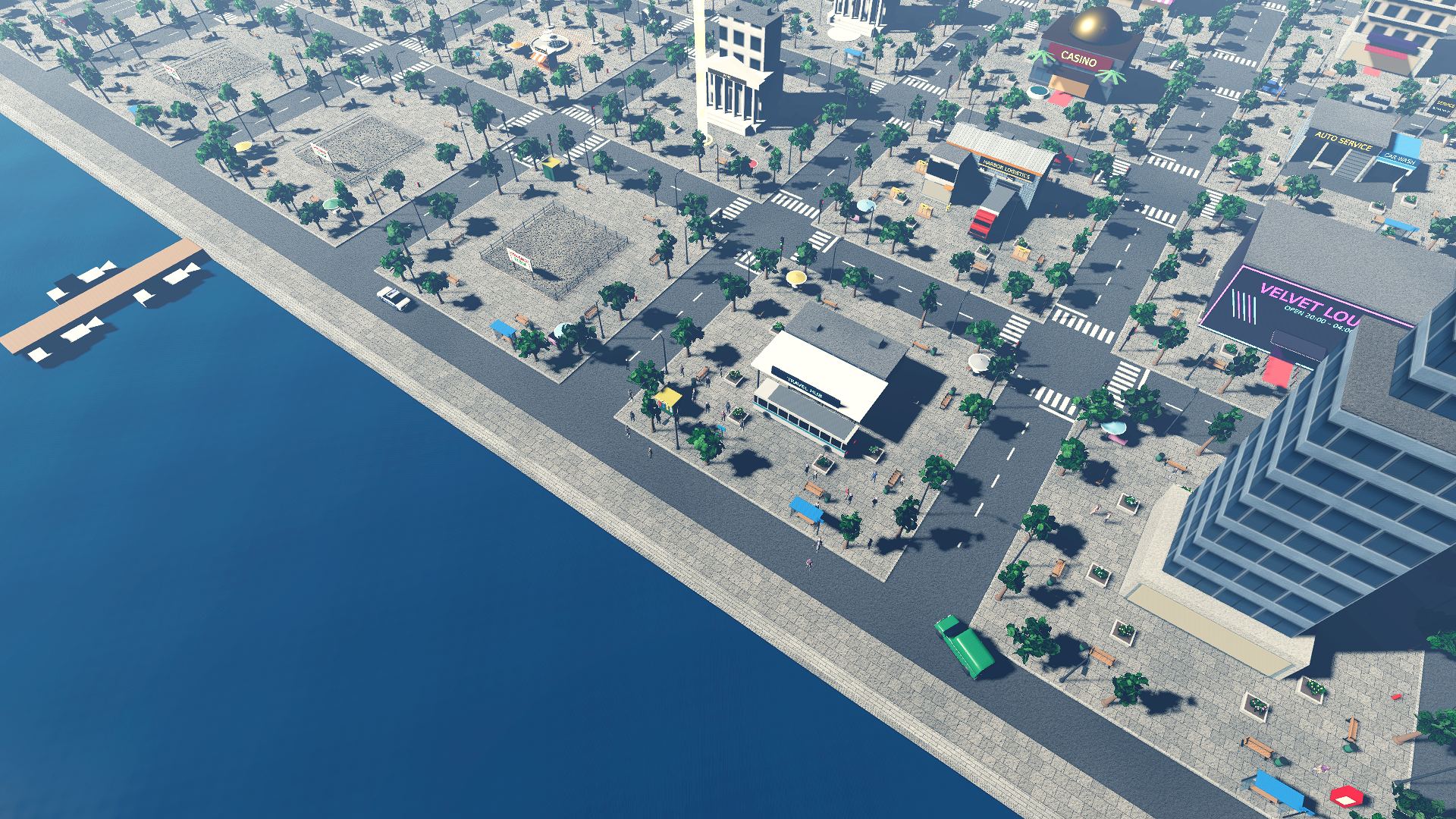
A business life sim. Land in Harbor Town with twenty dollars, take any job, buy your first shop and keep going until the city carries your name.
Day 1 · Harbor Town
No menus pretending to be a city. You walk, drive and take the bus to every deal, and the people you pass have their own day.
Coffee shop, diner, car wash, auto repair, supermarket, hotel. Pick a plot, build, hire staff, and level each place up. Your boss computer shows what earns and what bleeds.
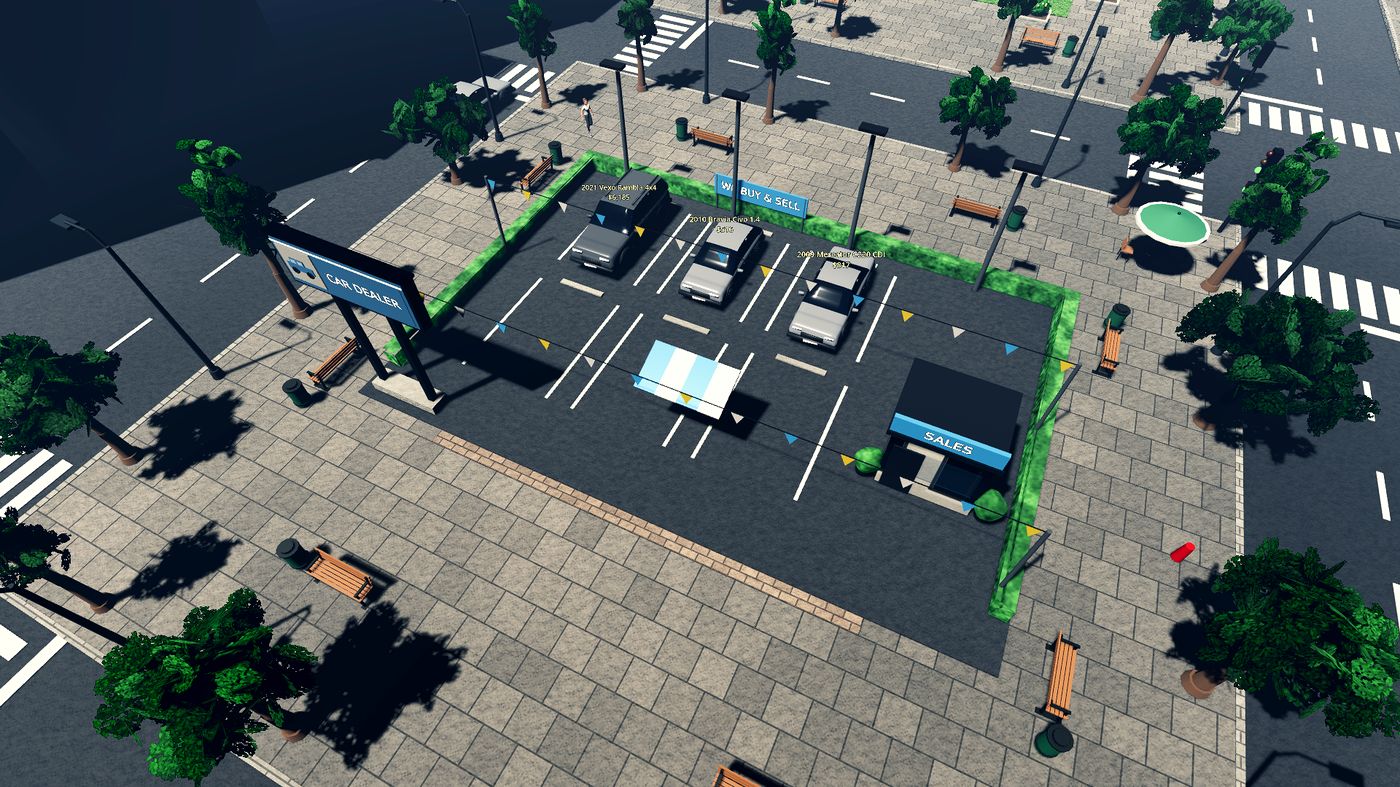
Chat with private sellers, haggle, meet them at their house, check for hidden faults. Fix cars in your own garage, call a tow truck, then sell them from your lot or at auction.
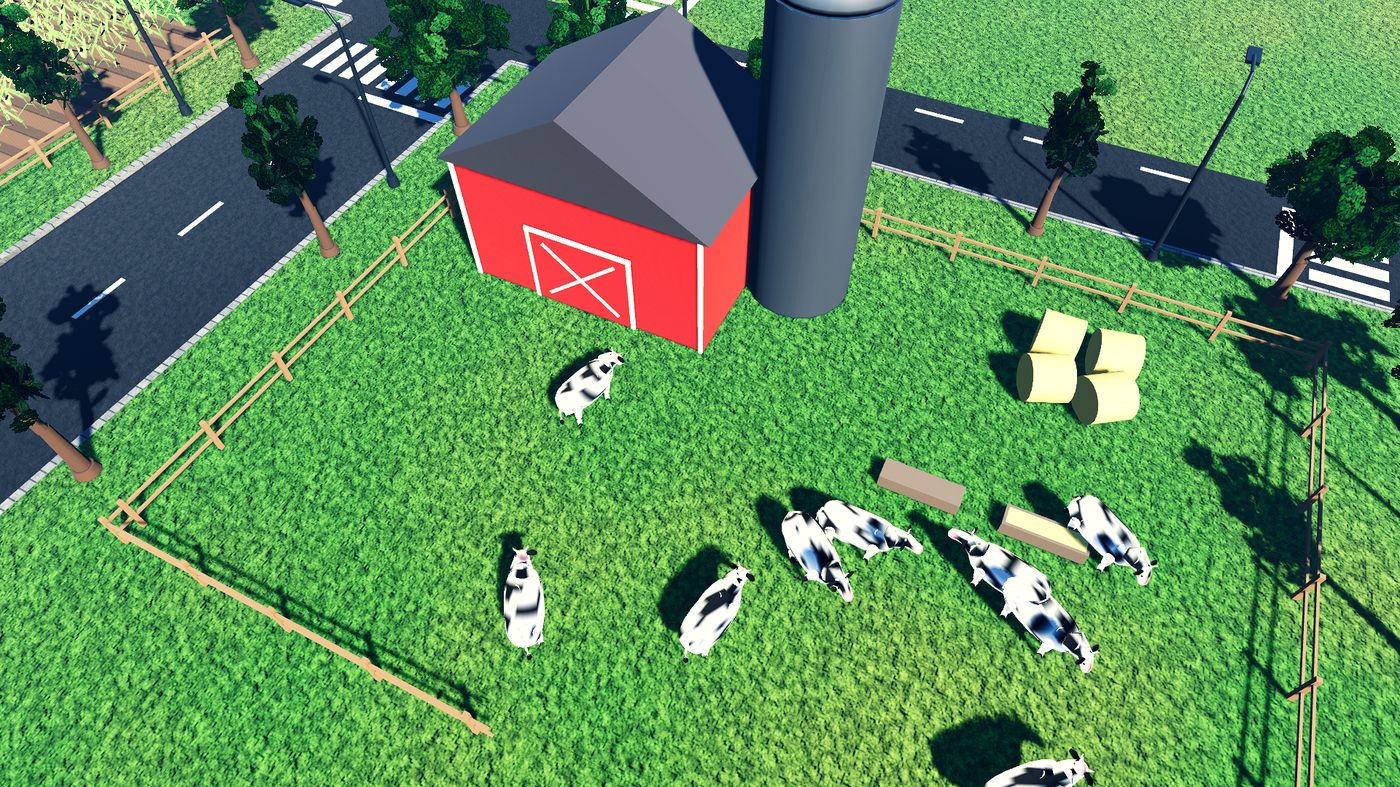
Take the highway to the village. Raise cows, chickens, goats, sheep and bees, grow vegetables and orchards, then sell everything at the farmers' market.
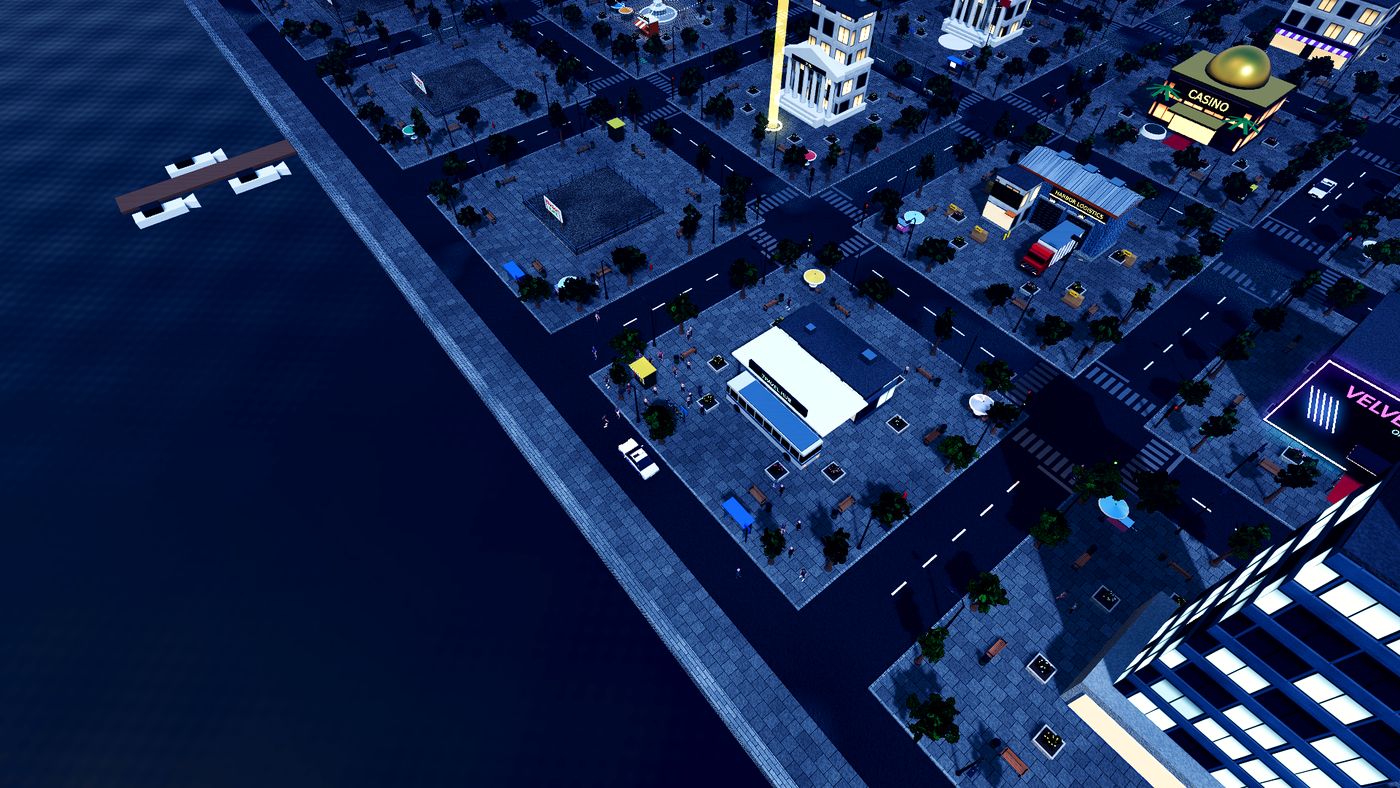
Eat, sleep and pay the bills. Rent a bike, buy a car, go dancing at the Velvet Lounge, meet people and keep up with friends on your phone. Fines and debts do not wait for you.
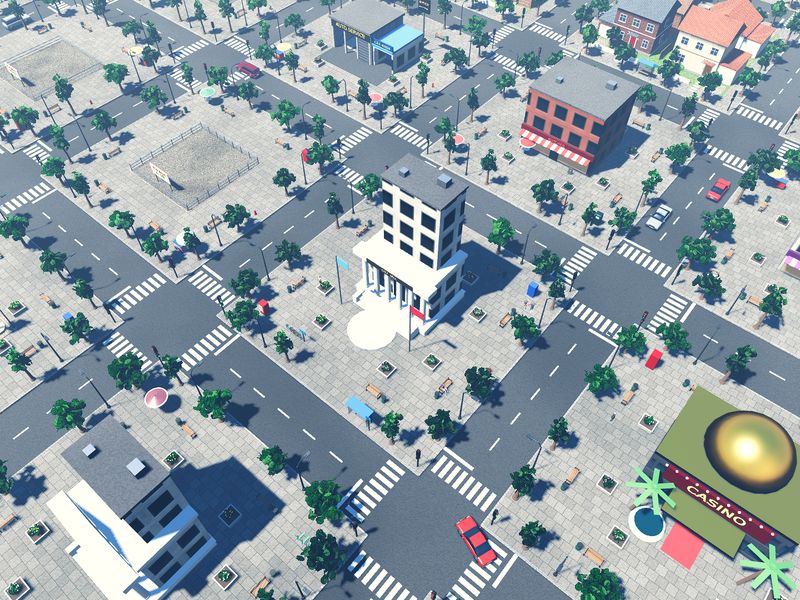
Where everyone starts. Shops, a car dealer, the hotel, the night club and a lot of empty plots for sale.
Open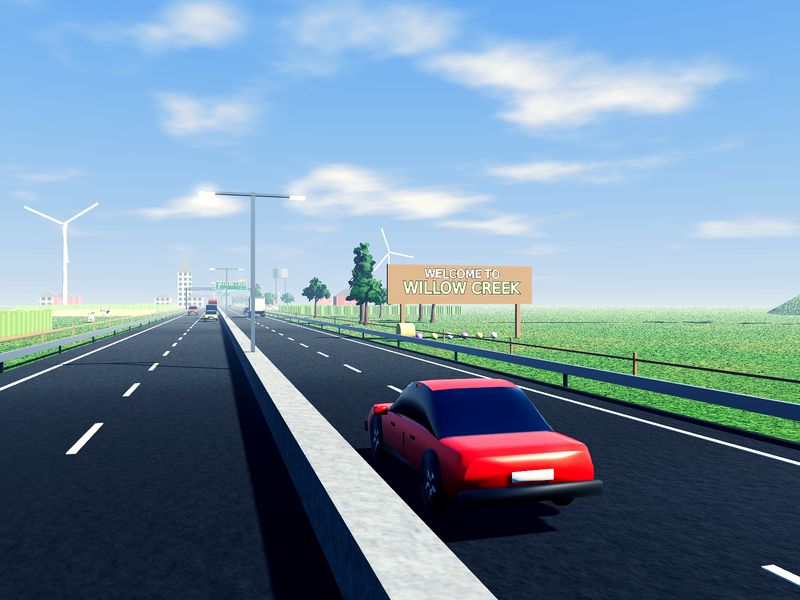
A farming village down the highway. Fields, barns, a feed store and the weekly market.
OpenNight life, tech and a film studio.
SoonYachts, finance and the Mogul Tower.
SoonYou download the small Mogul Launcher. It installs the game, and when there is a new update the Play button turns into Update. Your saves stay where they are.
Windows may show “Windows protected your PC” because the game is new and not signed yet. Click “More info”, then “Run anyway”.
Every update, printed out. The launcher shows the same notes before you press Update.
Loading…
Mogul Life Simulator is free and built by a solo developer. If you enjoy it, a small donation pays for the next city.
Yes. You can support development with a donation, but nothing is locked behind it.
No. Open the launcher, press Update and it downloads only the new game files.
No. Saves are kept in your Windows user folder (AppData\Roaming\MogulLifeSimulator), separate from the game files.
The warning appears for new programs that are not code-signed yet. Click “More info” and “Run anyway”.
Yes. Internet is only needed to install and update. If the launcher cannot reach the server, it still lets you play.
Not yet. The game runs on Windows 10 and 11 for now.
Send a message through the Contact link at the bottom of the page with what you did and, if you can, a screenshot. The game keeps logs in AppData\Roaming\MogulLifeSimulator\logs.